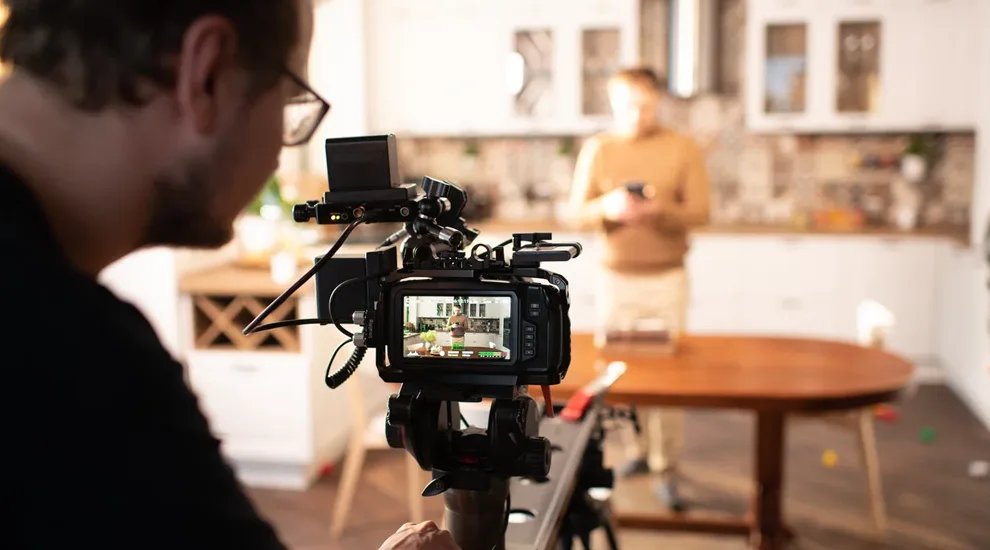
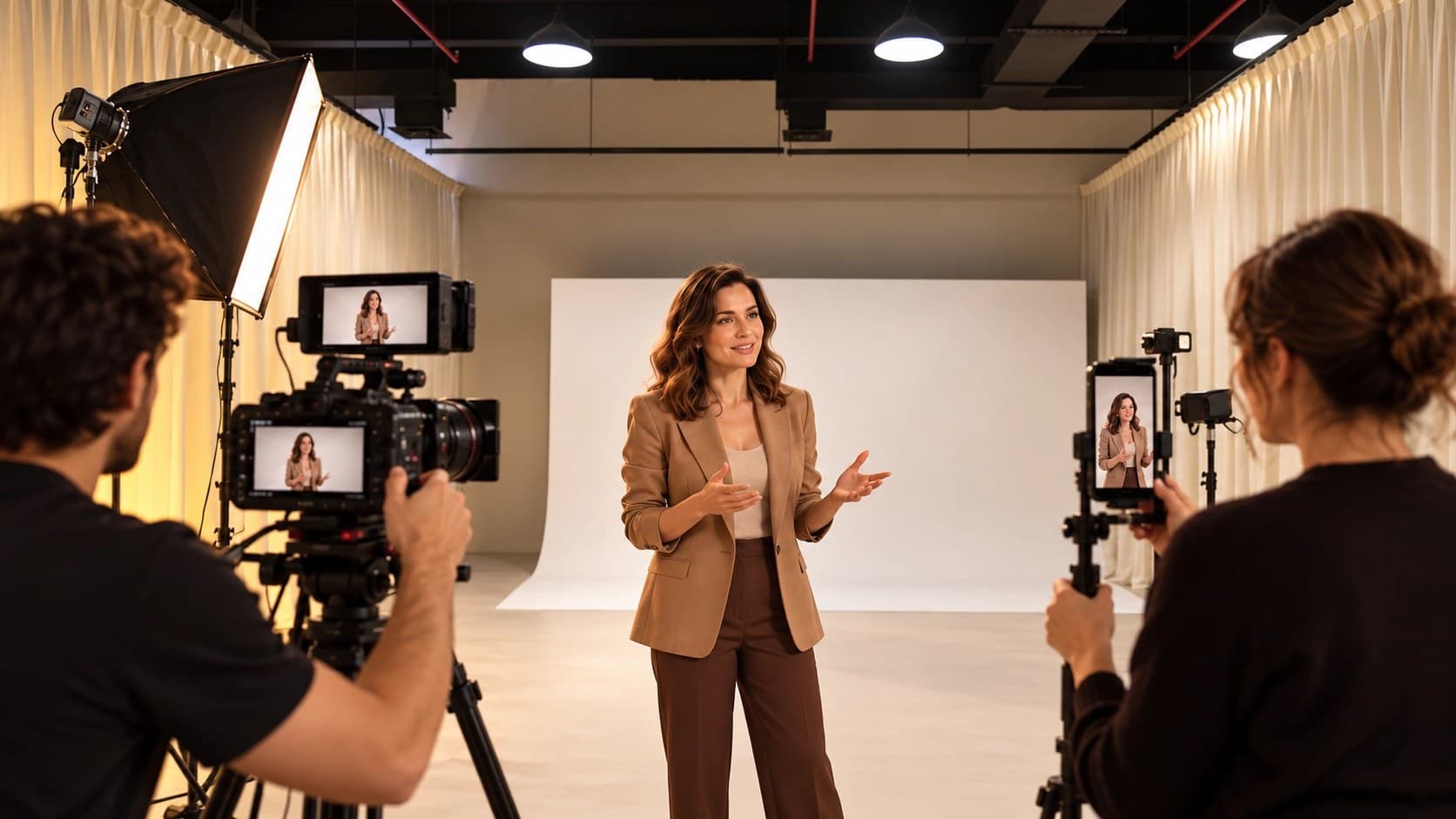
Your next social video shoot may need a portrait edit for a phone screen and a wider film for a different placement, with both carrying the same campaign message. The distinction becomes visible as soon as a presenter reaches toward an object beside them. In the narrow crop, the object may fall outside the frame. Another composition, filmed during the session, allows the editor to retain the demonstration in both versions.
For a Dubai-based brand commissioning social media video production, a useful starting document lists the finished versions and explains what viewers need to see in them. Someone’s Studio approaches creative production through the brand’s communication needs, as described in the Studio’s video-production services. The production discussion then concerns the footage required for the intended message, with separate takes for shots a later crop would remove.
Specify the Placement Behind the Platform Name
When your brief names a social platform, the producer needs a placement-level description, since a feed advertisement and a profile video can have different production requirements. Identify the intended use alongside the proposed dimensions. Record the desired duration in a separate field. Your media colleague can confirm the current specification for the particular placement while the director works on the treatment.
YouTube’s Shorts eligibility guidance illustrates why format decisions deserve an early check: square or vertical uploads lasting up to three minutes qualify as Shorts on standard channels when their upload date falls on or after October 15, 2024. YouTube sets an eligibility ceiling; the creative team still decides the useful length for its message. Someone explaining a brief product operation may need much less time.
Your deliverables list can assign a distinct identifier to the portrait film and its broader companion, with the destination recorded next to each version. Add a separate entry when another language requires different dialogue. The creative brief article explains how to document the audience and business purpose; the version list provides the filming team with the specific outputs commissioned for this production.
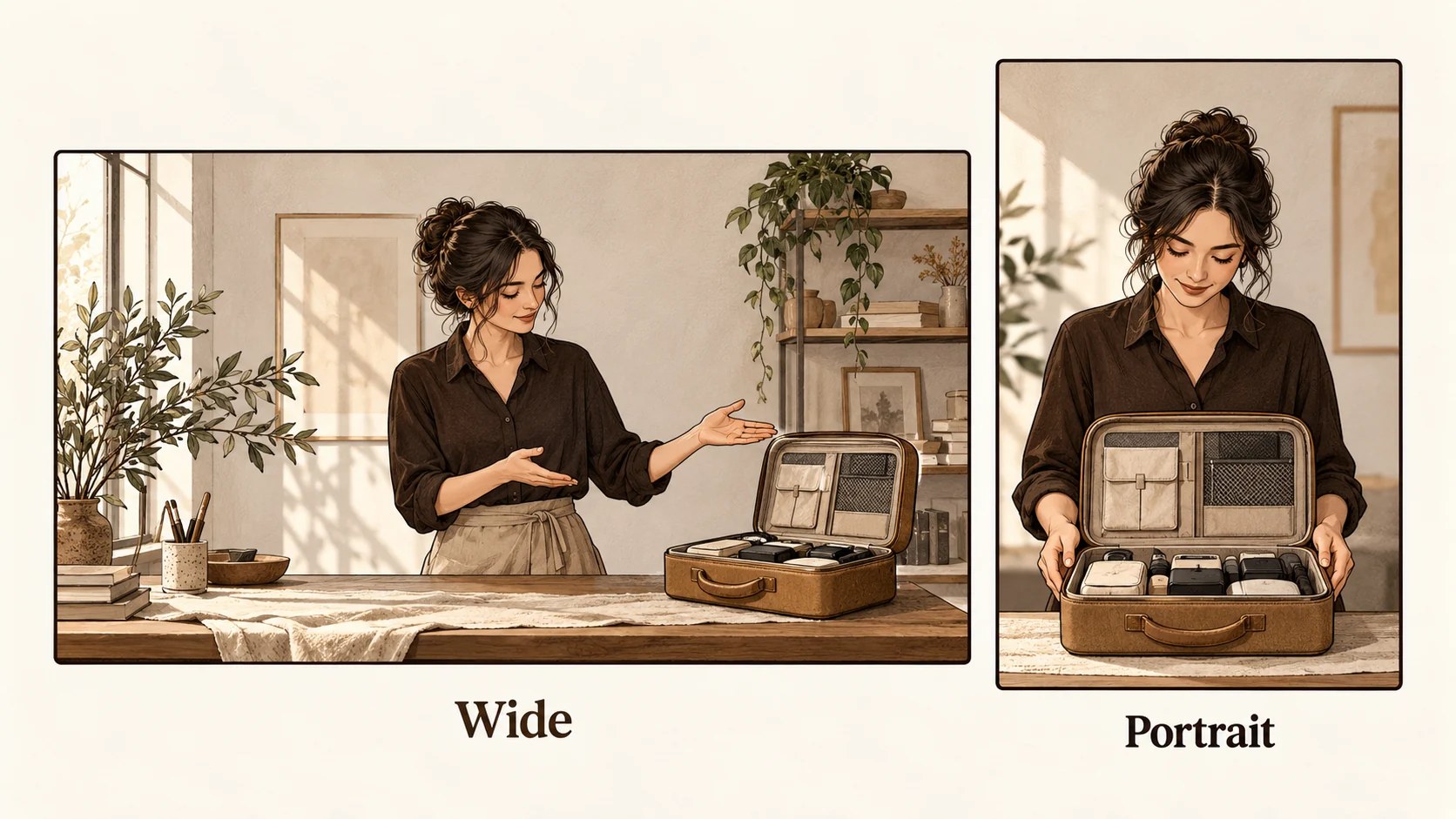
Check the Action Inside Both Compositions
For the camera test, ask the presenter to perform the complete planned movement while the crew examines the portrait composition and the wider image. If someone extends a hand toward a nearby object, check the object’s visibility at the gesture’s farthest point. After reviewing the full movement, the director has the option to adjust the blocking or request a separate take.
In a proposed demonstration, a presenter opens a small case and removes its contents onto a table beside them, which presents an immediate composition problem. The wider composition shows the relationship between the person and the open case. For the portrait version, place the case closer to the presenter and follow the opening action with a separate detail shot. Both treatments explain the same action through footage planned for the available space.
The central crop is useful when the subject remains within its boundaries throughout the shot, so the camera operator should inspect the entire recorded action at the intended crop. Extra resolution may permit reframing within the recorded image. It still leaves the editor dependent on what the camera recorded. If a hand leaves the image, a separate take supplies the missing visual information.
Crew members need a way to identify the separate takes once filming moves to another setup, particularly when a portrait performance changes the presenter’s position. Label the shot entry with its intended version and record the approved take against it. If two cameras operate together, check their positions for mutual visibility during rehearsal. The wider camera may include equipment placed close to the portrait camera’s subject.
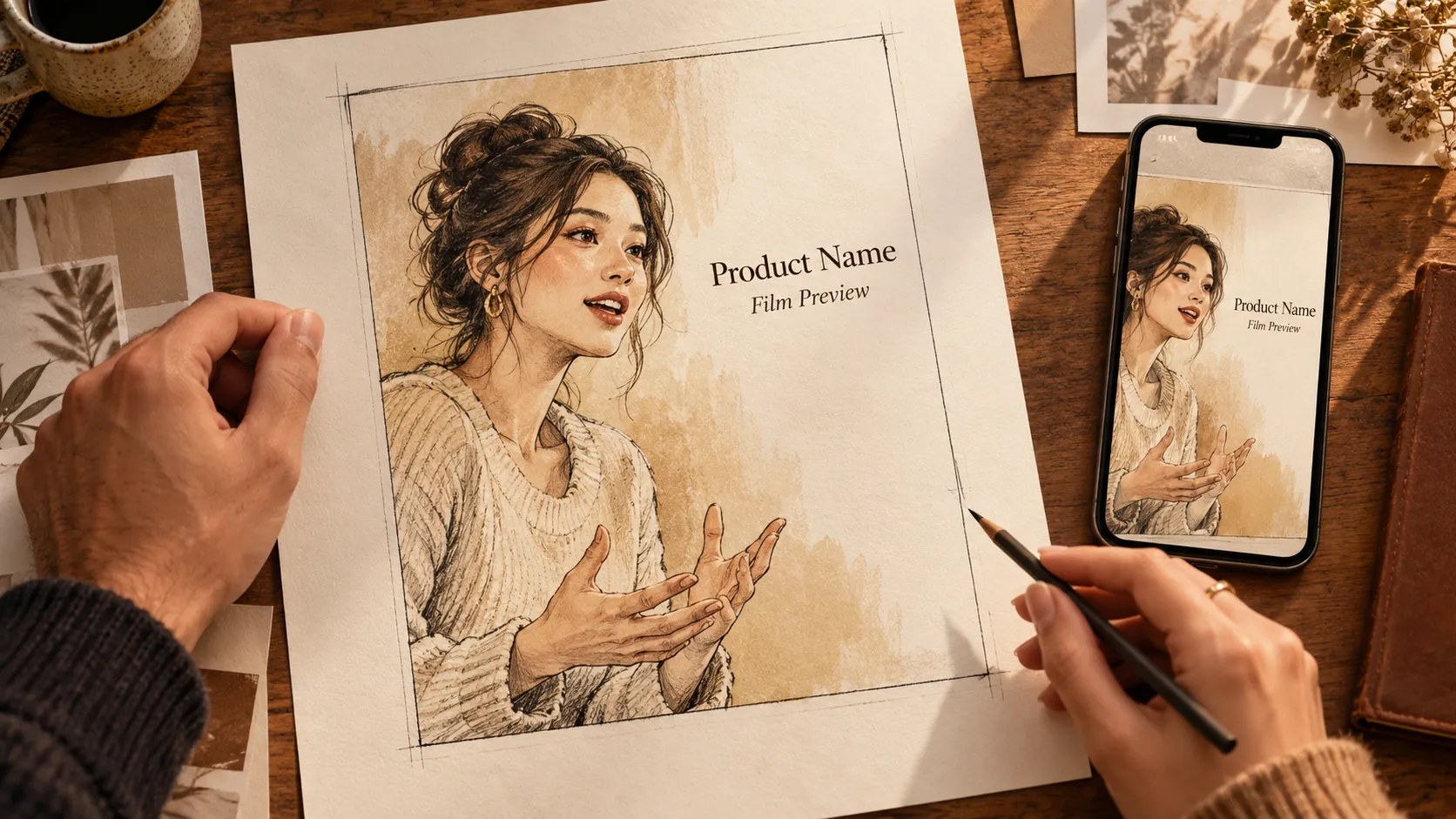
Reserve Space for the Actual On-Screen Copy
Text placement deserves a camera test using the approved wording, particularly when a short portrait film includes a product name near the presenter’s face. Empty space in the composition can accommodate the copy. The director needs to see how the available space changes when the presenter moves. Keep the proposed lettering visible in the review image during the rehearsal.
TikTok’s June 2026 in-feed specifications describe safe areas that vary with video dimensions and caption length; additional placement formats introduce further variations. The guidance supplies separate Arabic-region files. Use the template appropriate to the planned advertisement and review the actual language version against it. TikTok notes possible differences between its preview and the live display on a particular device.
Arabic and English layouts deserve separate visual reviews when both languages belong in the commission, with an approved translation available to the designer. Line length changes the amount of image occupied by text. Allow the designer to adjust the layout around the translated wording. The brand-consistency article discusses recurring graphic choices; here the review concerns their legibility within the commissioned format.
Record Complete Openings for Separate Films
Viewers encountering the brand through a short extract need sufficient context in its first spoken sentence, particularly when the original recording answers a longer interview question. If the reply refers to an earlier topic, it may require a new introduction. While the presenter remains on set, record a concise opening after the main answer.
For a proposed service explanation, the speaker might name the customer’s problem in the portrait opening and follow the explanation with a demonstration. If the wider film’s intended audience needs background information, retain a longer introduction in its script. Record the agreed wording for both versions. Editors then have complete openings whose meaning survives their separation from the longer conversation.
Changes to the closing request can require their own recorded line when the versions send viewers toward different destinations, such as a product page and an inquiry form. Confirm those destinations with the client during scripting. Leave a natural pause after the spoken line so the editor has usable footage for the final graphic. Approval should cover the request as it appears in the finished version.
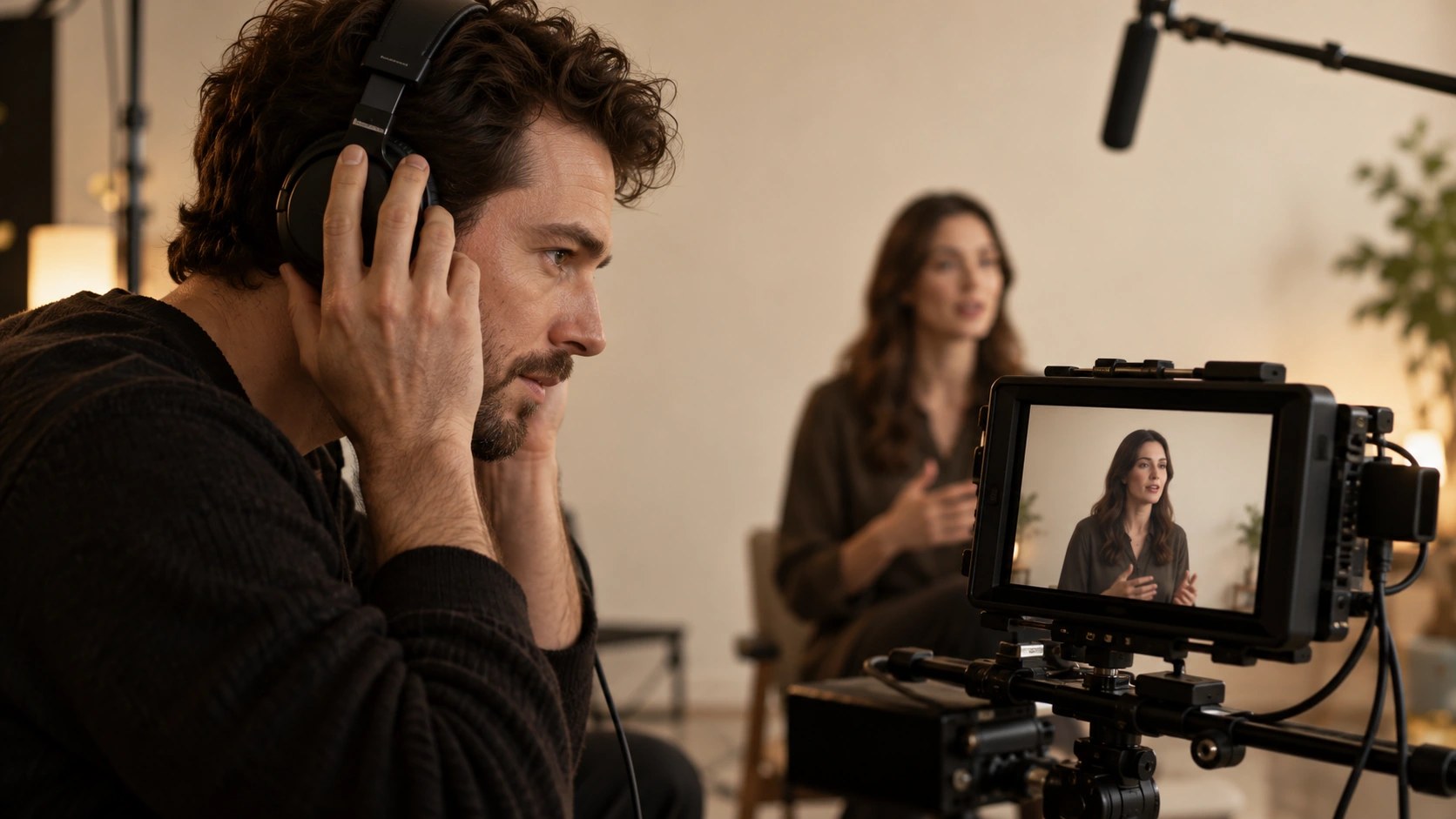
Keep Speech and Captions Readable
Your presenter needs to allow sufficient breathing space for the words to remain understandable after editing, especially when the video includes technical terminology unfamiliar to its audience. Ask the subject specialist to approve pronunciation during preparation. Record another complete sentence if the presenter changes a product term. Select a coherent take with the approved wording during the edit.
W3C’s caption guidance explains how captions convey dialogue and meaningful sound information for viewers who are deaf or hard of hearing. It advises keeping captions clear of relevant visual information. Review the film with its captions in place, then check the speech against the text. The transcript leaves timing and placement decisions for the captioning stage.
Music selection needs confirmation for the intended distribution when a campaign uses related edits across several services, with the producer retaining the permission record for the chosen track. YouTube blocks Shorts longer than one minute worldwide when they carry an active copyright claim. Its Shorts guidance is a useful platform-specific check during preparation. Agree the permitted uses for the actual recording ahead of soundtrack approval.
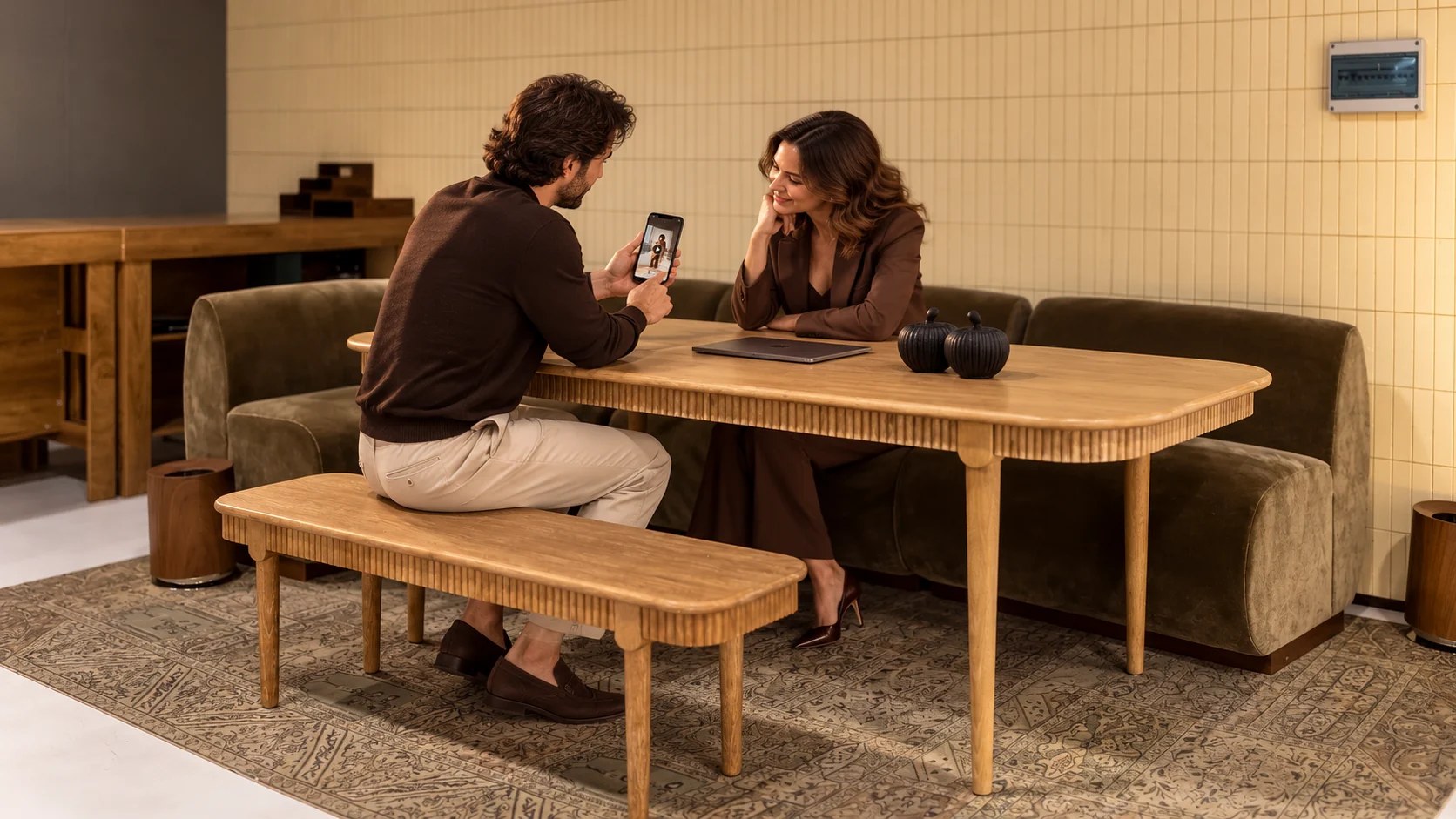
Approve the Delivered Versions on Their Own Terms
Client reviewers need the portrait export itself when approving the portrait version, since a wider master leaves its final text positions and crops open to interpretation. Watch the complete file on a phone at a normal viewing size. Check the demonstration during movement. The selected still frame can look satisfactory while an essential detail slips outside the image during playback.
Feedback becomes easier for the editor to apply when a reviewer names the version and supplies the timecode for the requested change. Describe the visible problem in ordinary language. The product label obscured by captions calls for a specific correction. Requests for a different message belong with the creative lead, who can assess the change against the approved script and available footage.
For your next shoot, send the proposed version list through the Studio’s contact page alongside the campaign brief. Include the intended delivery date. Use the initial conversation to establish which scenes require separate portrait footage. Someone’s Studio can discuss the production scope against those requirements, with the final deliverables recorded in the agreed proposal.