
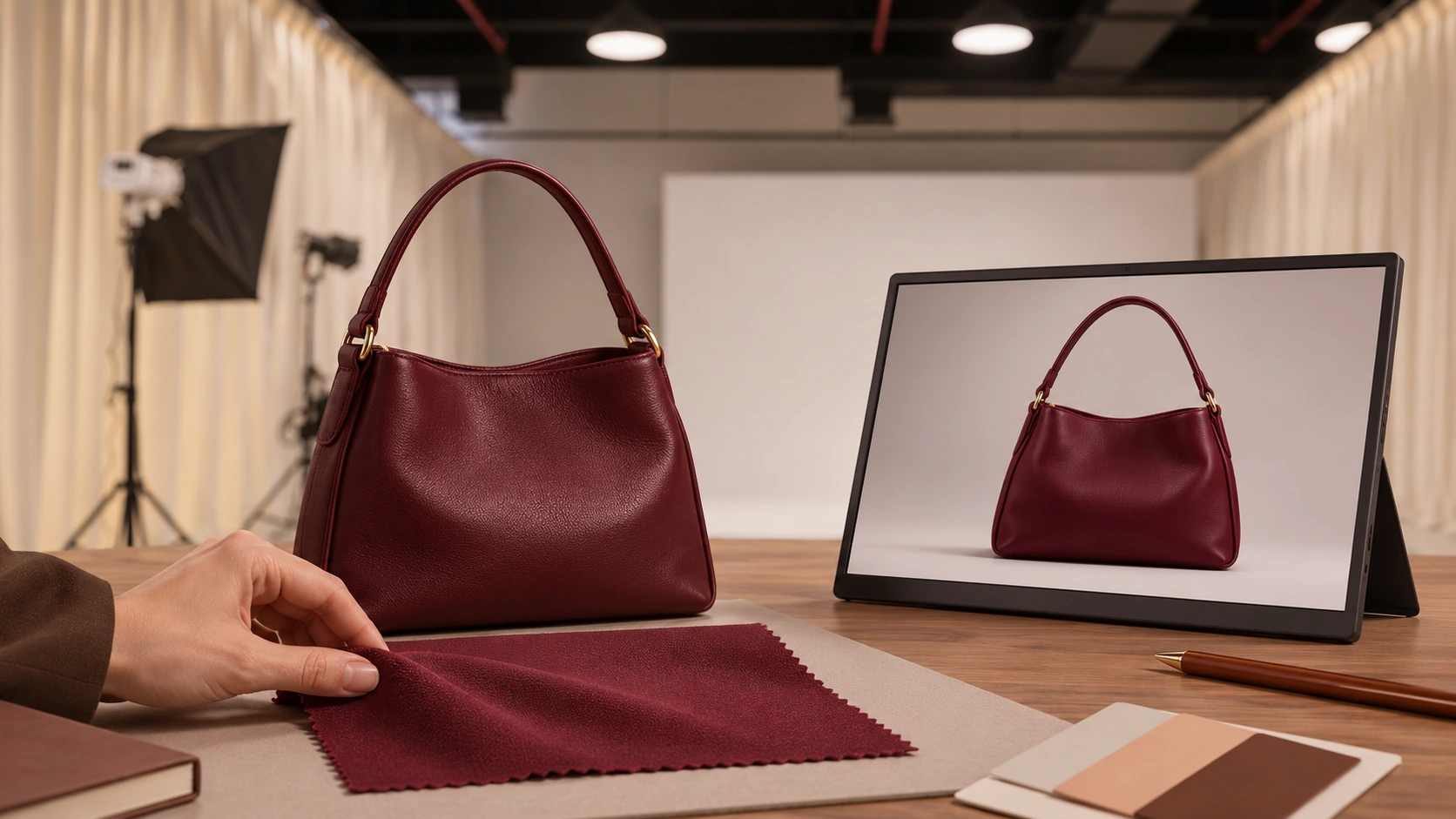
The burgundy fabric approved during a campaign shoot looks purple in the review file, and the client's first concern is the product's appearance. Product accuracy takes priority during the initial review. Someone needs to trace the change through the camera footage and the export, then compare the image with the approved sample. Color decisions become useful when the discussion names what the audience will see.
For teams commissioning color grading for commercial videos in Dubai, the brief needs to explain which details carry the brand's identity. Skin tones deserve their own assessment. Product colors need a reference that the client accepts. Someone's Studio's brand-led creative work connects those decisions with the intended communication, whether the commission concerns a luxury campaign or a recurring business interview series.
Describe the Image You Want to Approve
Words such as warm and cinematic leave considerable room for interpretation when a producer asks a colorist to establish the film's appearance. Explain where warmth belongs in the image. Cream furnishings may retain their warmth while the presenter's complexion receives a neutral treatment. Describe the desired shadow depth through a reference frame, with particular attention to the subject's visible detail.
Select reference material whose lighting resembles the proposed production, then identify the specific characteristic that the team wants to carry into the film. When a daylight interview uses a night scene as its reference, explain the relevant visual characteristic. The colorist needs to know whether the example concerns contrast or a particular background hue. Retain the approved camera test alongside that explanation.

Establish the Technical Starting Point
Camera recordings arrive with color information that the editing system must interpret according to the actual recording setup and the intended output. Adobe's color-management guidance recommends confirming the sequence's color setup ahead of grading. Changes to that setup after adjustments may alter the image. The production handover requires the camera's recording information so the finishing team can start with the correct interpretation.
Log footage commonly appears flat when viewed directly, and the intended display conversion belongs in the technical discussion ahead of creative approval. Ask the colorist to distinguish the source conversion from the proposed visual treatment. If a viewing LUT accompanied the shoot, identify where it was applied. Approval should concern the image produced by the agreed pipeline.
Treat a LUT as a Starting Reference
Adobe describes a lookup table as a starting point for further grading, with additional color controls available for subsequent adjustments to the footage. Several shots treated with the same LUT still require adjustments due to differences in their original exposures. Save the approved treatment with the project settings. Later sessions need the same technical context when the production team returns to that reference.
Resolve Shot Differences within the Edit
The cut between a host and a guest makes mismatched camera images especially apparent when both people occupy the same interview set. Start by examining exposure and white balance across the adjoining shots. Adobe's correction documentation describes temperature and tint adjustments for white balance. Once those shots have a credible relationship, the colorist can apply the approved creative direction.
Watch the conversation at its intended pace after the initial comparison, since a match that looks convincing in paused frames still needs to work in real time. Midway through an answer, the guest may lean toward a different light source. When the camera returns to the host, the background should retain the established appearance. Review the passage containing that movement and any localized correction it required.
Preserve the Product's Actual Color
Commercial footage asks viewers to judge an object they may later purchase, which makes the approved physical sample a useful part of the color review. Place that sample within suitable viewing conditions and discuss the corresponding image on the agreed display. Printed packaging deserves its own check when a campaign depends on a familiar label. Record which sample the client approved.
Selective color adjustments allow attention to a particular hue within the image, as Adobe explains in its color adjustment documentation. Check other areas sharing that hue after a change. Red packaging adjustments may affect a person's lips elsewhere in the frame. Review the full moving shot to ensure the correction remains convincing as the object changes position.
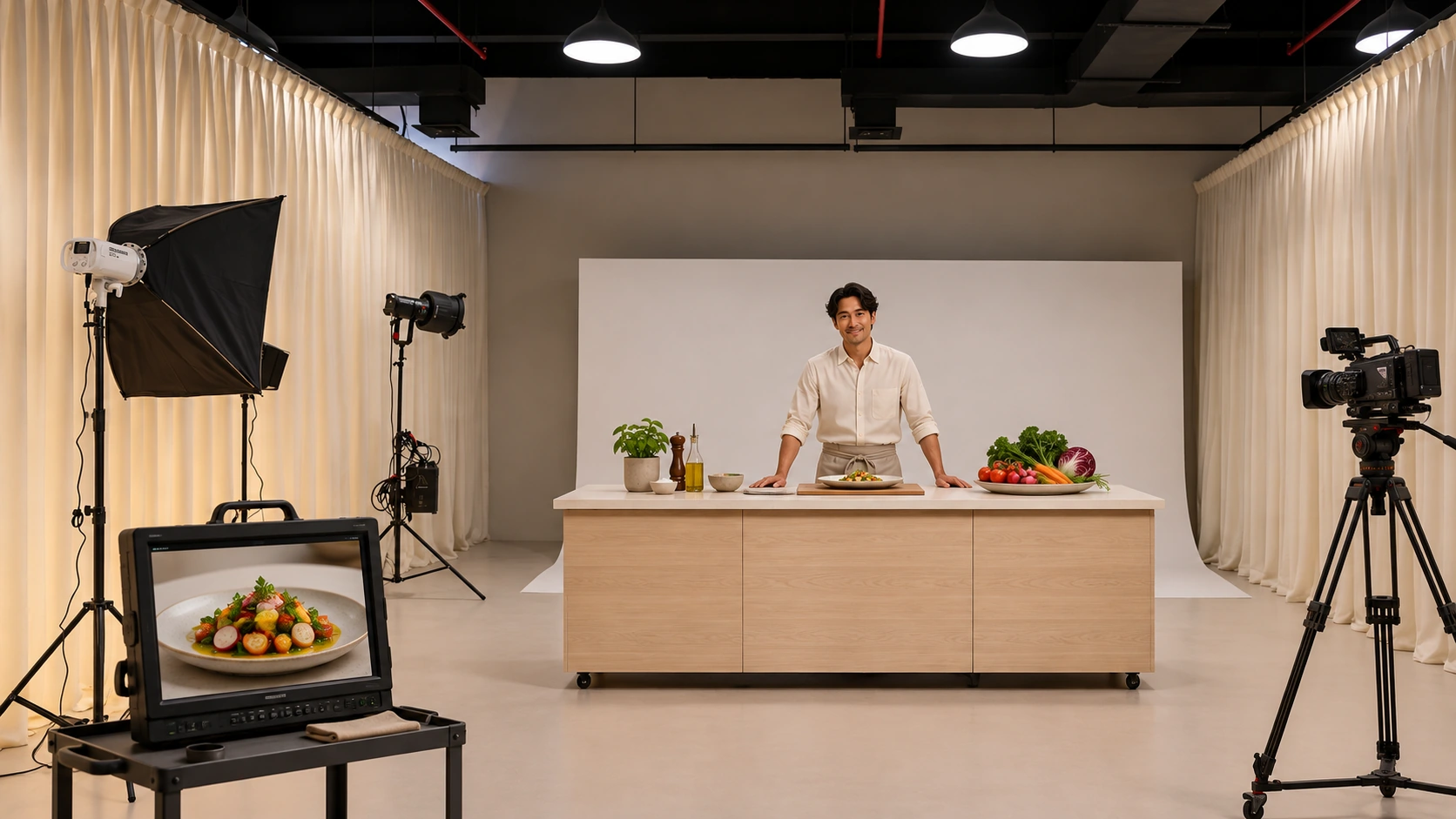
Food programs need the same care when a presenter carries a plate between the preparation surface and the camera's closer view. The dish should retain a credible appearance across the sequence. Excessive saturation can make the ingredients look artificial, so assess the food against the approved recording reference. Any intended creative treatment belongs in the producer's discussion with the brand.
Let Faces Remain Believable
Human faces deserve a separate review when the surrounding set uses warm fabrics or decorative lighting that influences the overall picture. Evaluate the actual speaker's complexion against the approved reference footage. The chosen background treatment may require a selective adjustment around the person. Keep natural variation visible across the face and inspect the correction as the speaker moves.
Corporate interviews often alternate between close views and wider compositions, so review the speaker across both views during the same approval session. Skin may appear different when the surrounding image occupies more screen space. Ask the colorist to assess the complete composition alongside the face. Client feedback becomes actionable when it identifies a specific shot and the visible change that needs attention.
Keep a Recurring Program Visually Consistent
Weekly shows need a color reference that survives a new guest and another recording session, particularly when viewers recognize the program through its familiar set. Approve a short finished pilot sequence containing the regular presenter. Retain the project's color settings with a frame showing the set's established appearance. Future episodes then have an agreed comparison during finishing.
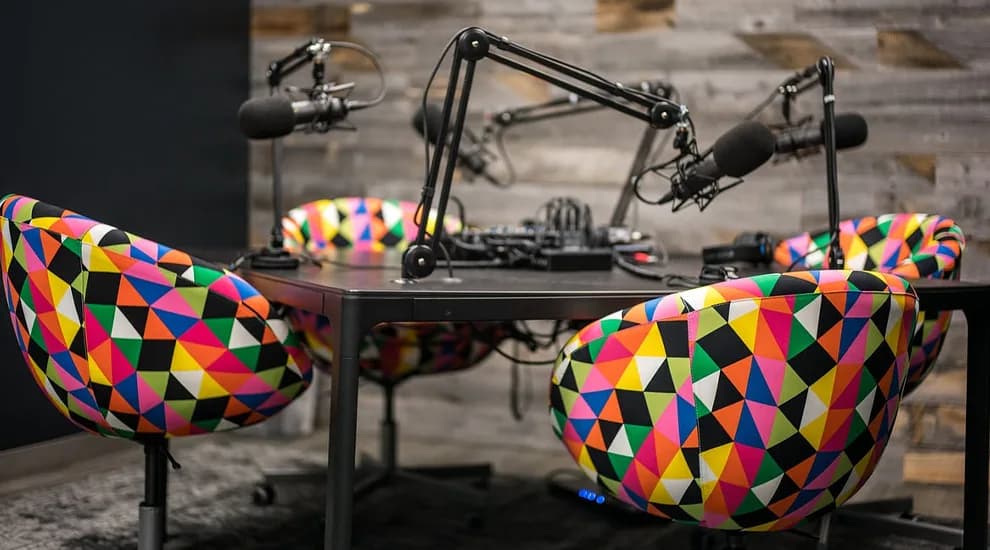
Record changes to temporary scenery during the next shoot so the colorist understands which differences belong to the new episode's production design. For example, replacement cushions may have a different fabric color. Ingredients change across a cooking series while the presenter desk retains its familiar tone. Reproduce the approved treatment around those genuine changes in the recorded scene.
Carry the Treatment into Short Clips
Portrait extracts for TikTok or YouTube require a final color review after their composition changes, especially when the crop includes less neutral background around a face. Compare the extract with the approved episode using the same display. Check any additional graphics against their supplied artwork. The short version needs its own export inspection even when it uses the episode's finished footage.
Agree How the Client Will Review Color
Approval becomes difficult when reviewers compare different screens in unrelated viewing conditions and describe their observations as if they saw the same image. Choose a reference display arrangement with the finishing team. Identify the file version during the session. Consumer devices remain useful for distribution checks, with concerns investigated against the agreed approval reference.
For projects requiring both SDR and HDR delivery, ask the colorist to specify the output configurations and the review arrangements during the initial scope discussion. Adobe documents those output paths within Premiere's color-management system. Review the versions intended for actual delivery. The producer needs to account for their separate finishing checks when scheduling client approval.

Commission the Grade with the Production
Someone's Studio accepts production inquiries for commercial films and recurring programs whose visual treatment needs to remain consistent across episodes. Share the existing footage when requesting finishing work, together with the approved image reference. The team can assess the material and discuss color grading within the quoted production scope.
Send the campaign or series brief through the Studio contact page so the discussion starts with the actual images the project needs to deliver. Include the publication destination and the planned episode schedule. For an ongoing show, request a pilot review that establishes the color treatment for subsequent recordings. The approved pilot then accompanies the next episode's finishing brief.