Your client approves a product film after watching the object move through several shots, so a generated frame deserves the same scrutiny as a photographed one. Does the label match the supplied artwork? Is the movement consistent with the product’s actual operation? The director needs answers at the shot level. For an attractive preview to reach publication, the client needs to approve what the finished image tells the buyer.
When teams assess AI in commercial video production, the useful discussion concerns which tasks suit the project and how the resulting material will receive approval. Someone’s Studio’s brand-led creative work starts with the intended message. Within that conversation, a generated concept image may help explain a proposed scene. Final campaign footage requires a separate assessment against the approved product claims and the intended release. For recurring episodes, discuss that distinction in the season’s production brief.
Decide What the Image Must Prove
The creative brief needs to distinguish a factual product demonstration from a scene whose purpose is to express a mood or introduce a subject. If the film demonstrates a clasp, the viewer needs an accurate view of the mechanism. For an abstract title sequence, the director has a different creative question. Identify the shots that carry product evidence and agree on how the team will produce them. The client’s product specialist needs to approve relevant factual details.
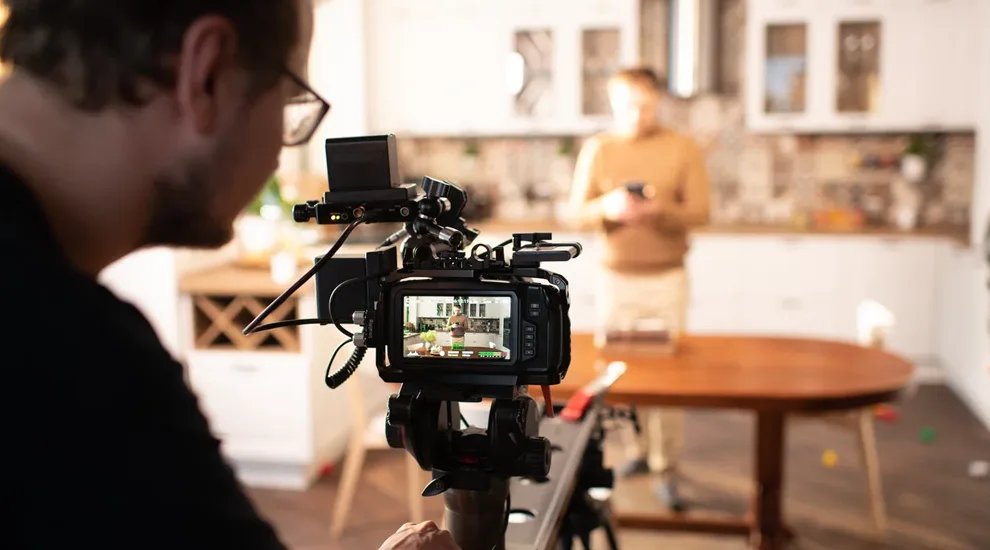
Consider a cooking program whose sponsor supplies a countertop appliance for a recipe demonstration, where the audience will see the presenter operate the product. The filmed demonstration needs an accurate view of the appliance’s operation and the prepared food’s appearance. Generated atmospheric imagery may have a separate role in the episode’s opening. Assign that material its own creative purpose in the storyboard. Reviewers can then assess the opening on its approved terms and check the demonstration against the real appliance.
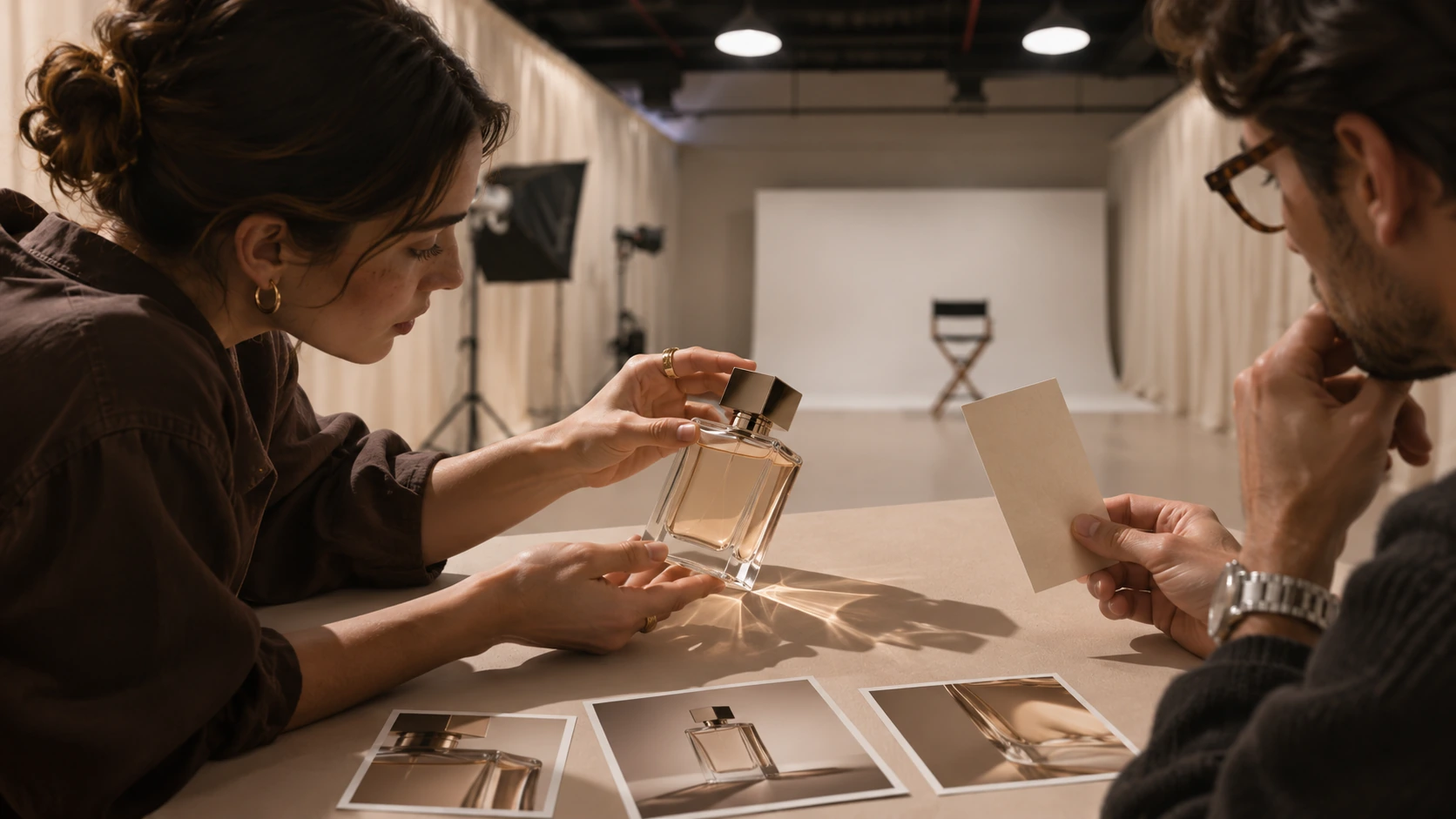
Use Concept Images for Specific Production Decisions
Your concept review becomes productive when the director asks colleagues to assess a particular decision, such as the proposed camera position or temporary set arrangement. Generated previews can support that conversation when the client agrees to their use. Describe which details the team is considering and which details remain provisional. The production designer needs to assess the proposed scenery against the actual studio space. For the proposed light treatment, schedule a test with the intended subject.
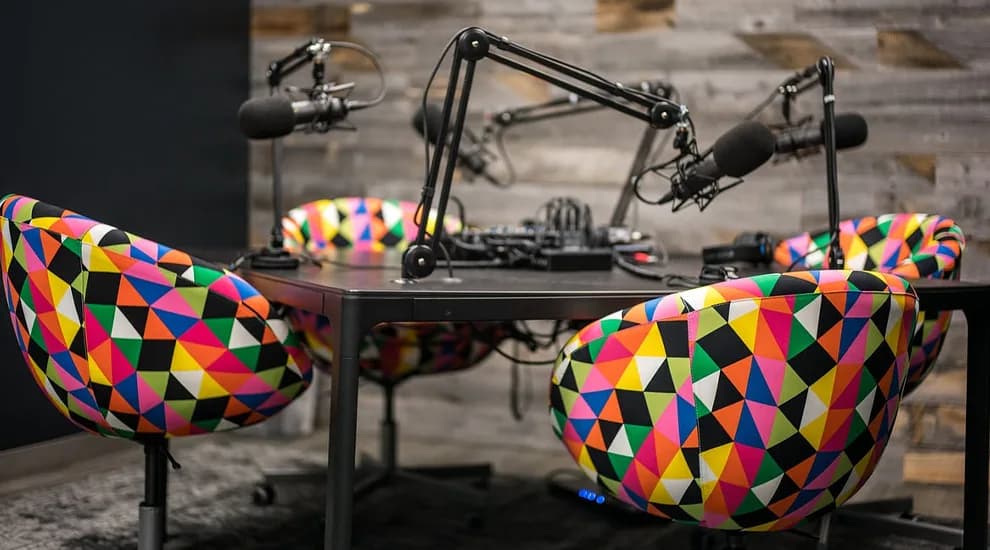
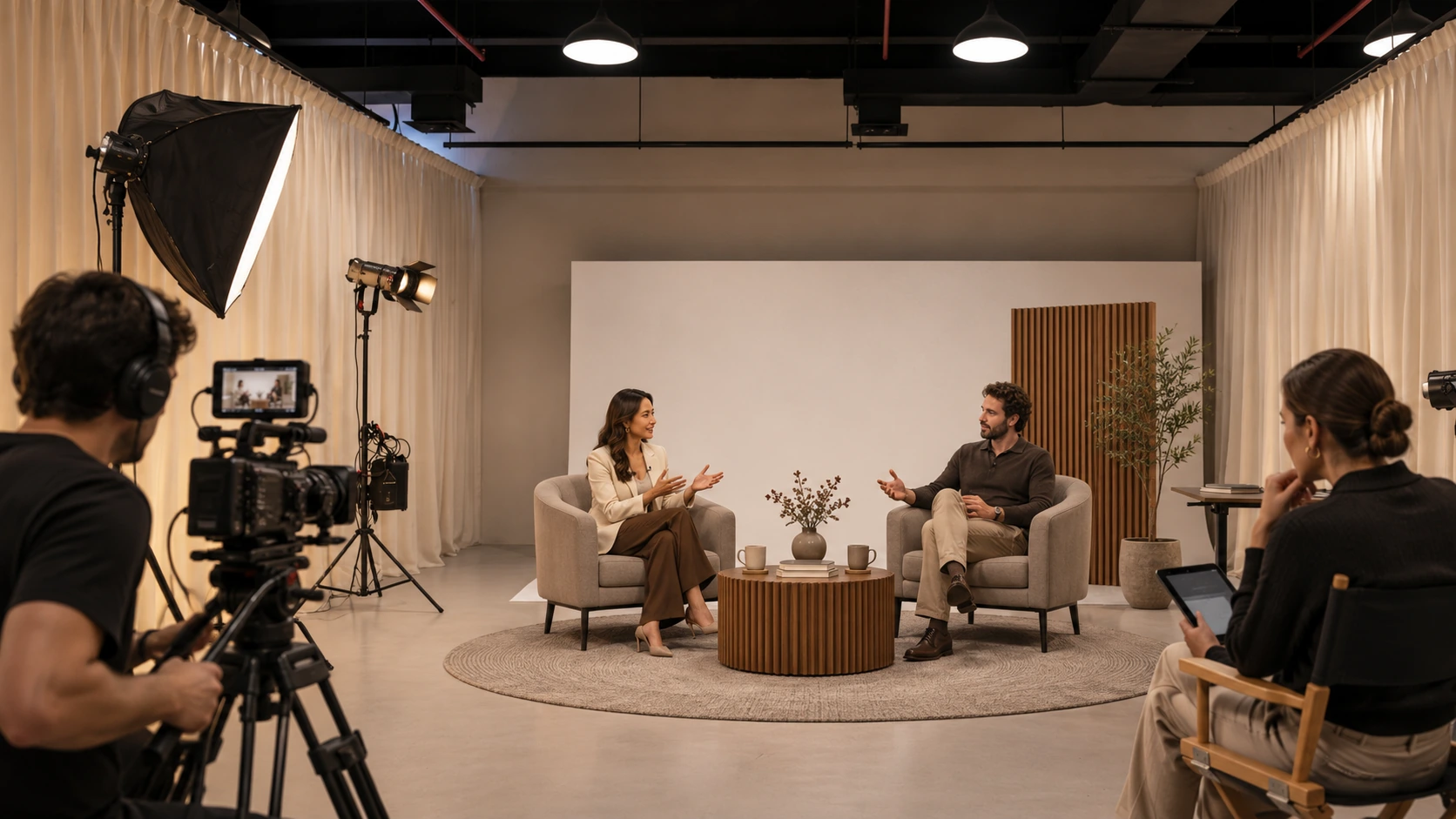
If a brand plans a recurring interview program, review the proposed host position alongside the guest’s view and the required camera coverage. The set needs to accommodate real movement during a recording session. Ask the producer to confirm feasible arrangements for the selected space. Once the team chooses a direction, retain the approved references with the production brief. Future episode planning then has an agreed visual basis for discussion with the studio.
Separate Editorial Assistance from Generated Footage
Your post-production proposal needs to identify the tasks assigned to AI tools so the client can assess their effect on the final material. For an interview edit, a transcript helps the editor locate a spoken answer. Generative video tools produce new imagery that needs its own review. Ask which proposed operations change the recorded content and how the editor will identify those changes in review copies. Keep the original recordings accessible throughout approval.
Adobe’s Generative Extend documentation describes extensions up to two seconds for video and ten seconds for audio. Spoken dialogue remains outside its generation capability. For a commissioned interview, retain the original answer and assess any proposed visual extension in context. The producer needs to explain the intended editorial use to the client. Tool-specific limits deserve a fresh check against the current documentation when the project reaches production.
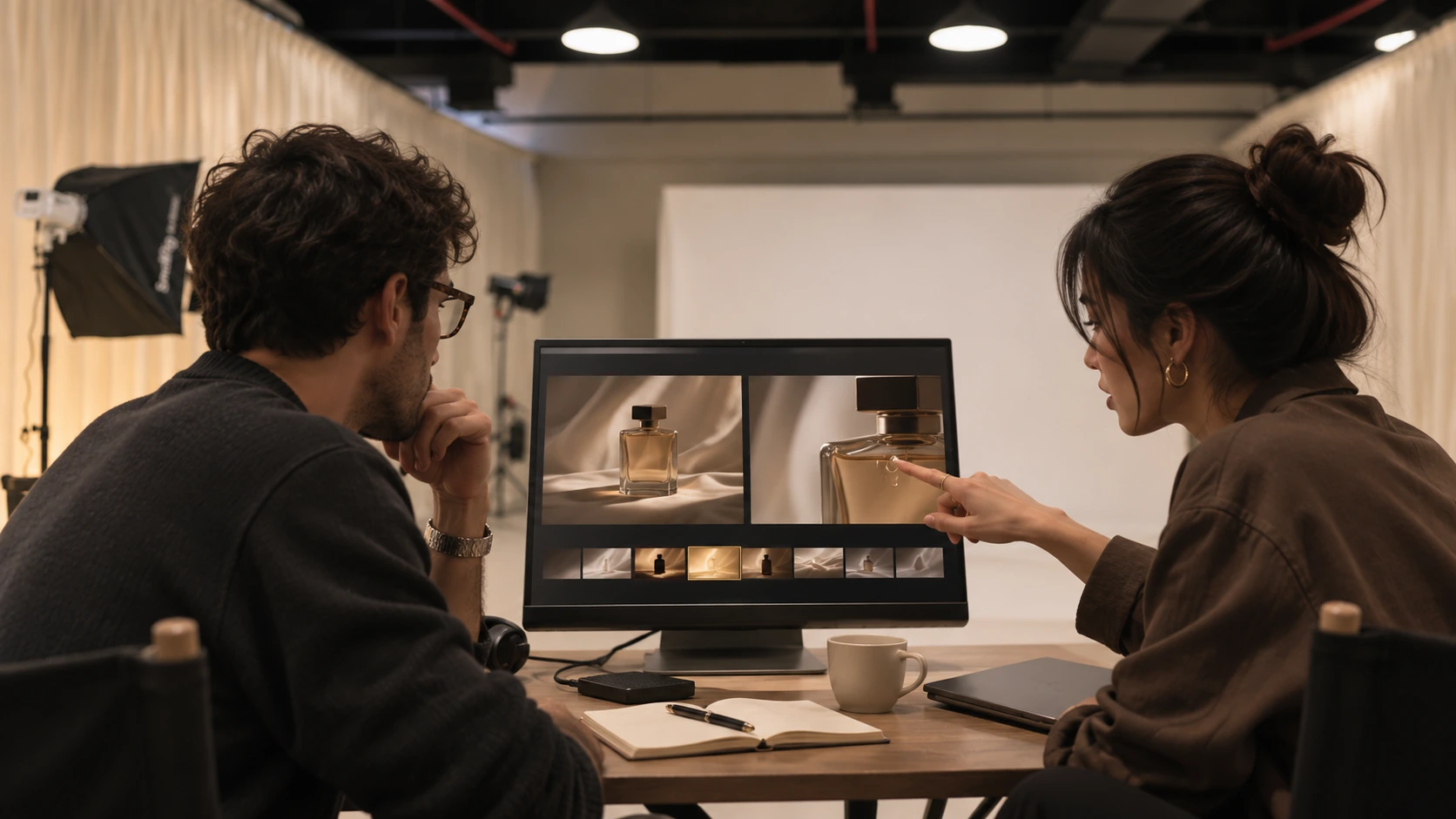
Review the Transition at Normal Playback Speed
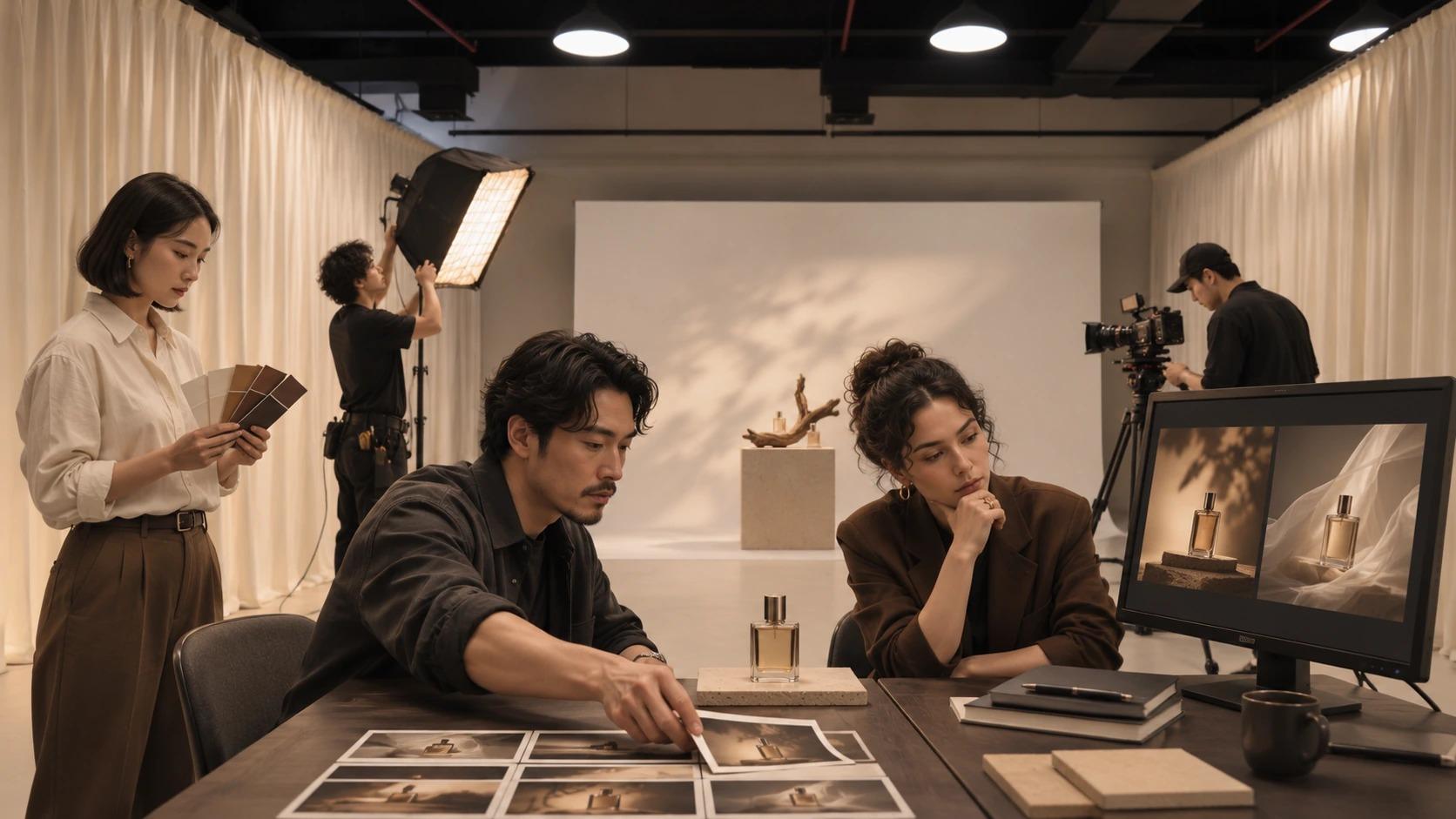
The editor needs to inspect generated material within the complete sequence, especially where a new segment joins footage from the actual shoot. Watch the transition at normal playback speed and inspect individual frames where movement looks inconsistent. For a product close-up, compare the object’s shape with the approved reference. Text on packaging needs its own check. If the proposed shot fails the agreed review, return to the original footage or schedule a replacement shot.
Keep People’s Contributions Faithful
Interview-led films need an accurate relationship between the recorded speaker and the statement that the audience hears in the delivered version. When the editor shortens an answer, review the remaining words against the original exchange. The speaker’s meaning needs to survive the cut. If an AI tool proposes a transcript, check names and specialist terminology against the actual recording. Send factual corrections to the responsible reviewer with the relevant time reference.
For a recurring business program, establish how the host approves changes to their recorded contribution and how guest approvals enter the production schedule. Synthetic voice or likeness proposals require a distinct permission discussion with the person concerned. Agree the intended usage through the appropriate review process prior to production. The producer needs a usable record for the approved episode. Future episodes deserve their own assessment when the proposed use changes.
Evaluate the Work Across Episodes
The first episode provides a useful test for a recurring program’s visual language, particularly when generated graphics appear beside footage from a physical set. Compare the proposed graphics with the host’s actual environment. If the opening includes a product image, assess its appearance against the object filmed in the episode. Decide which approved elements will recur throughout the season. The producer needs to know which assets require renewal when the client’s offer changes.
Retain the Approved Versions
Your editor needs the approved media files and the associated project information to prepare later episodes with consistent reference material. Save the final opening sequence separately from experimental alternatives. When a tool or model changes, test the proposed output against the approved episode. The client can then decide whether a revised graphic belongs in the current season. Record that decision with the relevant version so the next editor receives the same instruction.
Prepare the Release Decision
The person uploading a finished video needs accurate information concerning generated material so the platform’s disclosure questions receive an informed answer. YouTube’s AI disclosure guidance requires disclosure for realistic generated or meaningfully altered content, with examples involving apparent actions by real people and realistic invented scenes. Assign that review to the publishing owner. Provide a description of the altered passages alongside the final file and check the applicable platform guidance for the intended release.
The client’s approval needs to cover the delivered version and the proposed distribution, especially when a campaign contains both filmed demonstrations and generated imagery. Ask the producer to identify the approved source assets and retain the applicable usage documentation. Any unresolved rights question belongs with the responsible rights holder or qualified adviser. The creative team can continue work on independently approved material while that question receives an answer.
Commission a Small Test with a Clear Purpose
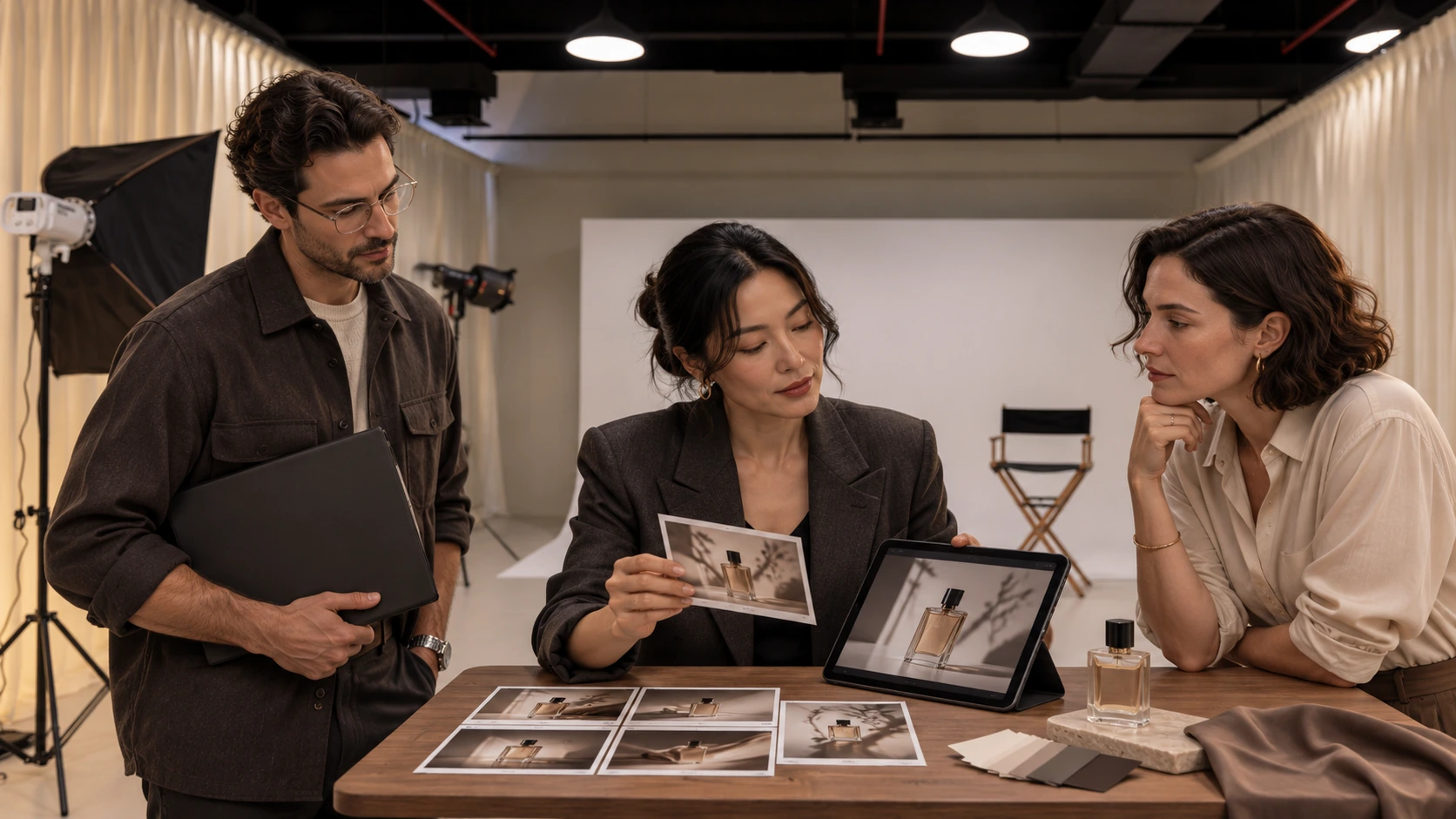
Your initial production discussion with Someone’s Studio can start with a representative scene and the commercial message it needs to communicate. For a recurring show, include the proposed episode format and expected recording cadence. The studio team can discuss creative direction and assess the requested production arrangements. Confirm the specific facilities and ongoing arrangements with the team during that conversation.
Once the client approves the test scope, ask the production team to submit the scene with the information needed for an informed review. Identify which portions came from the shoot and which contain generated material. The director’s recommendation needs to explain how the chosen image relates to the actual message. Approve the usable result and retain the supporting files for subsequent production.